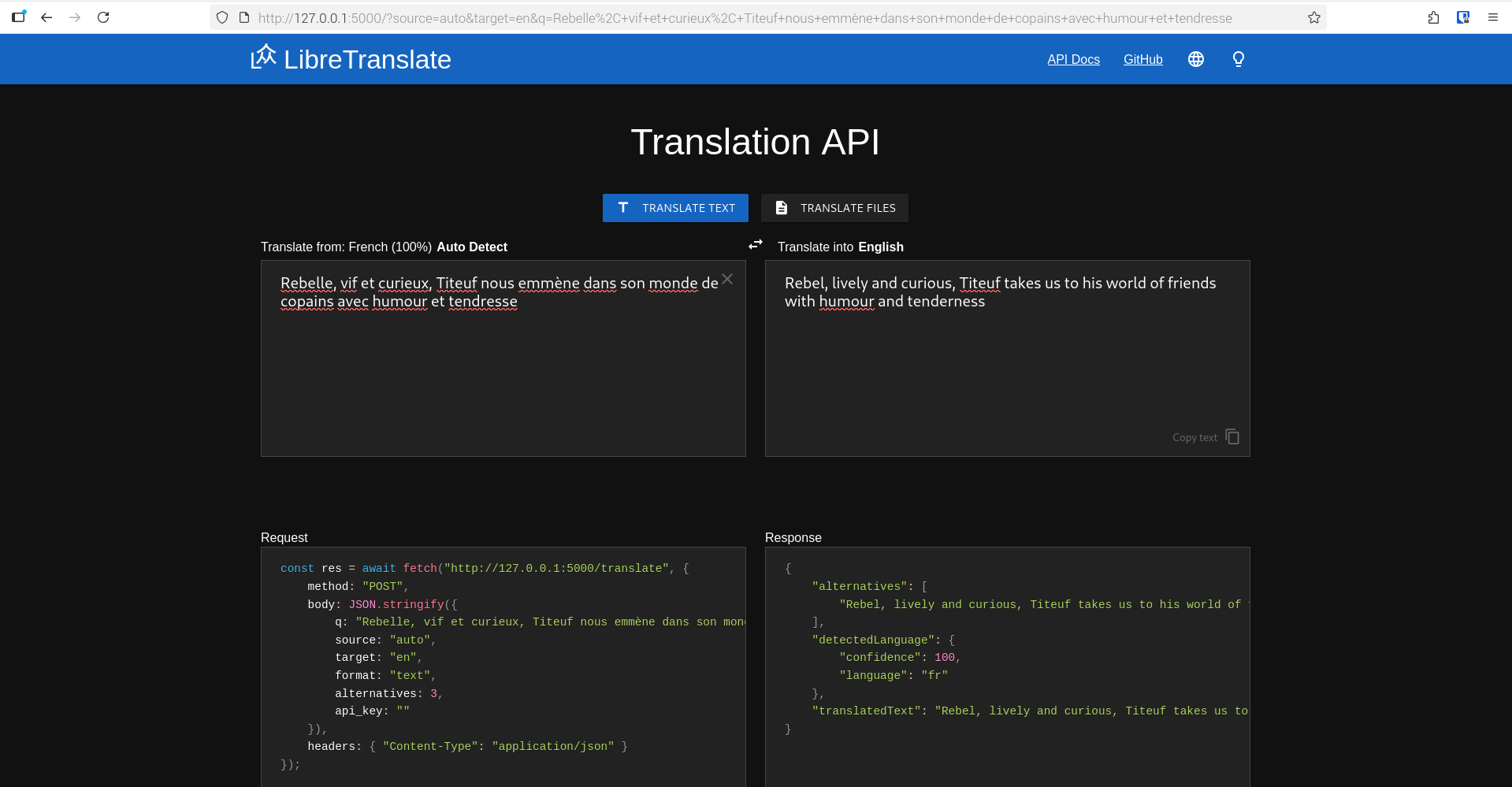
Hello,
I run LibreTranslate on my desktop, which is fine when pasting in short or long amounts of text.
However when I type live text into the LibreTranslate browser, this causes the browser to slow, with only mouse cursor movement on the desktop, until the desktop freezes.
A powercycle is the only way to unfreeze the computer, as I cannot open Terminal to pkill LibreTranslate.
Maybe someone knows something about this, but for now I must not type live, rather type into a text document, then paste that text into LibreTranslate in 1 hit.
I have some other nagging issues to fix 1 day, like unnecessary languages showing in the options box, but haven’t figured out to clean this up. Mobile app can easily add or remove languages.
Desktop is fine with everything except games, screenshot and LibreTranslate.
Desktop: Raspberry Pi 5 desktop OS
Browser: Firefox 142.0.1 (aarch64)